Chrome Extension · Productivity · Free

Stop pretending
you'll close
that tab.

A Chrome extension that blocks distracting sites so you don't have to rely on willpower.

Add to Chrome — It's Free No account needed. Works in 30 seconds.
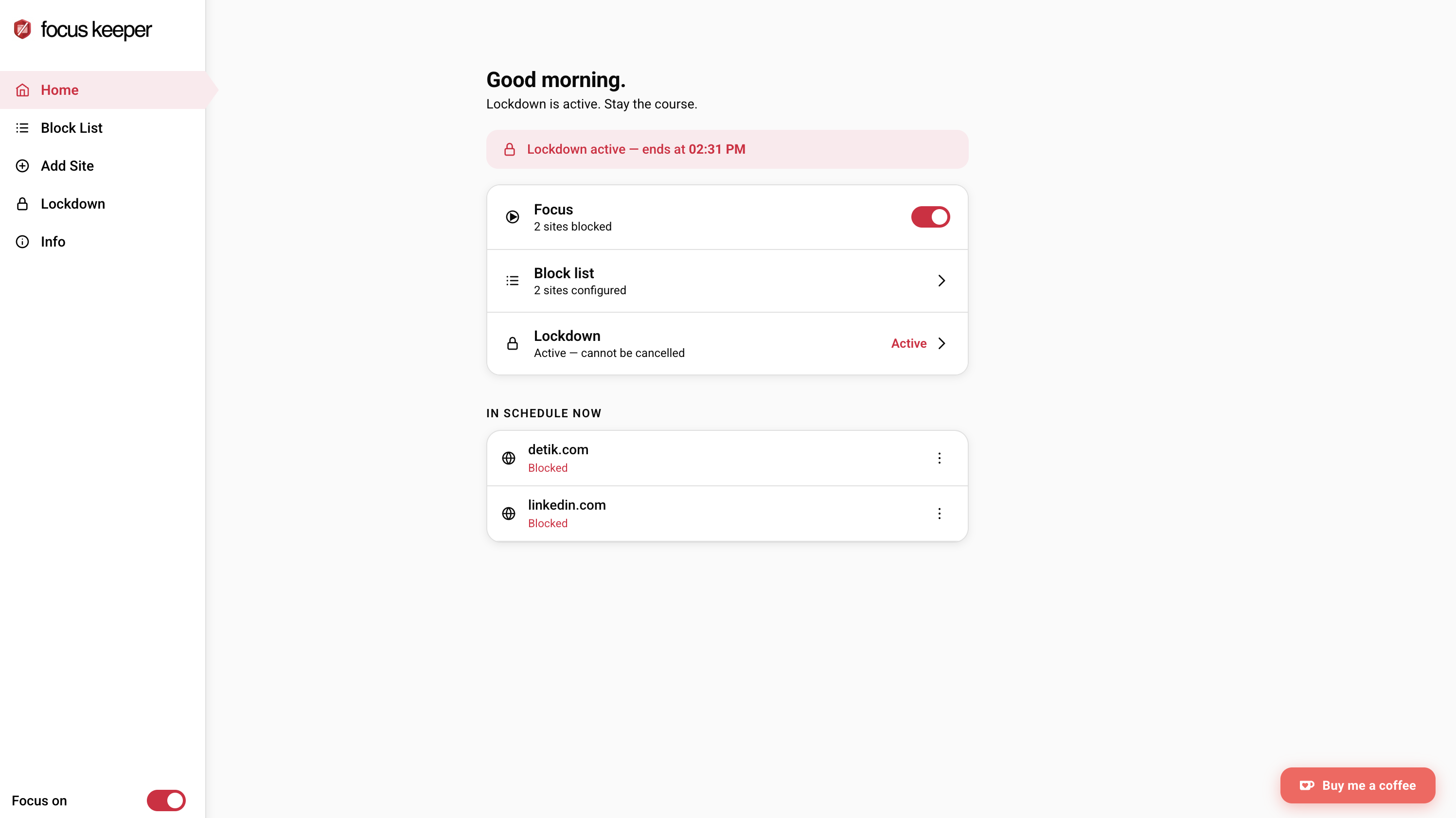
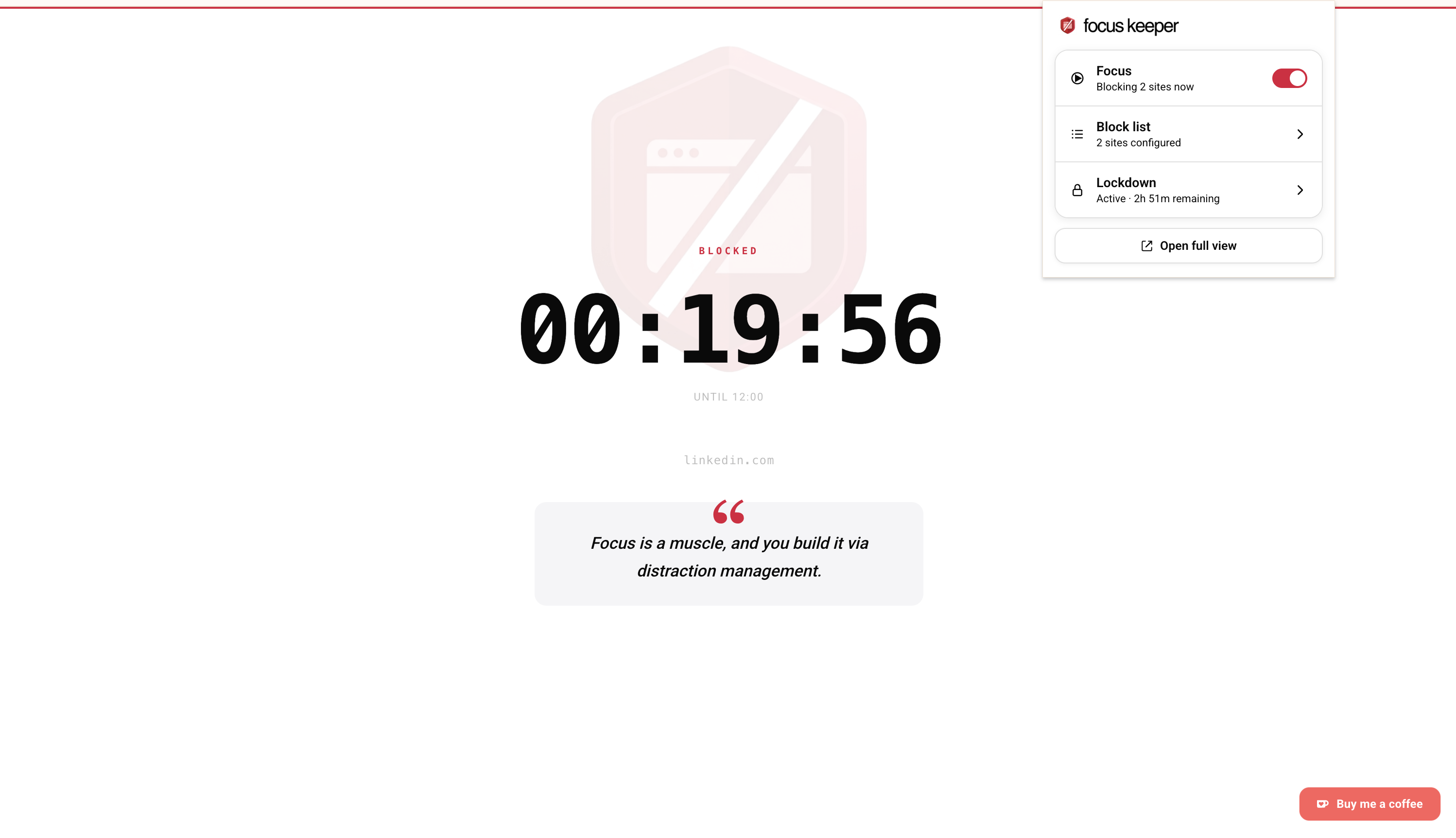
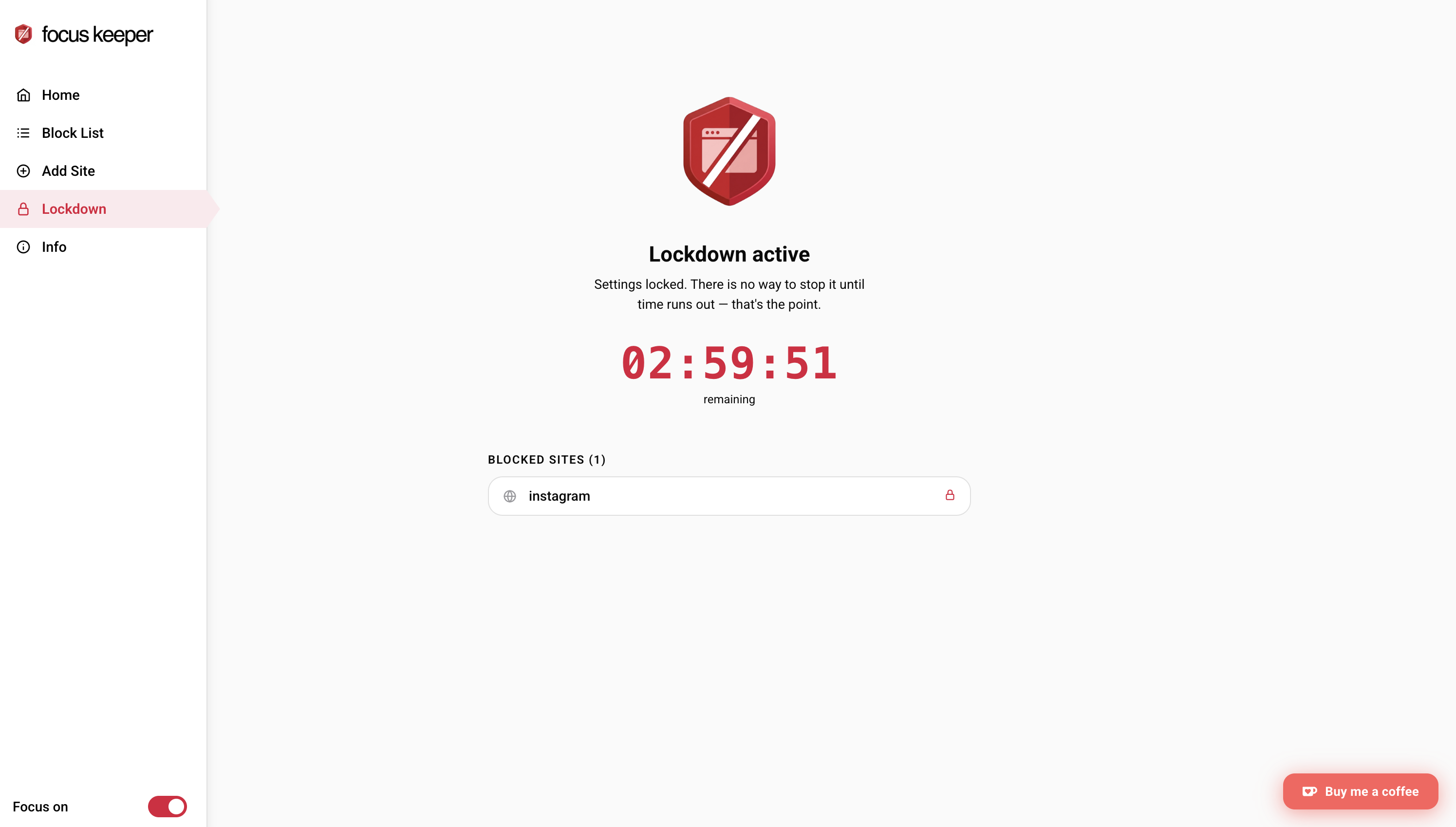
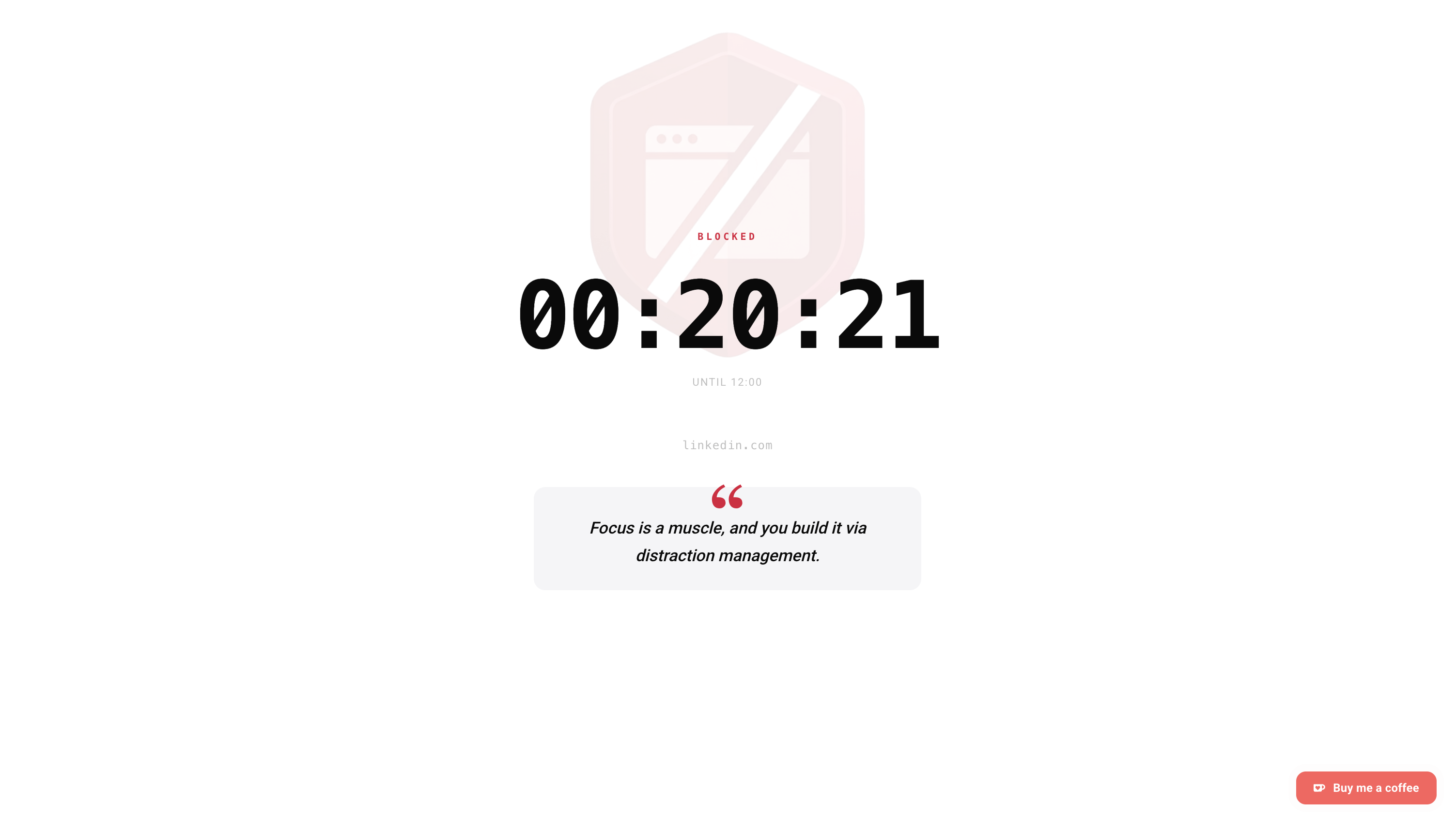
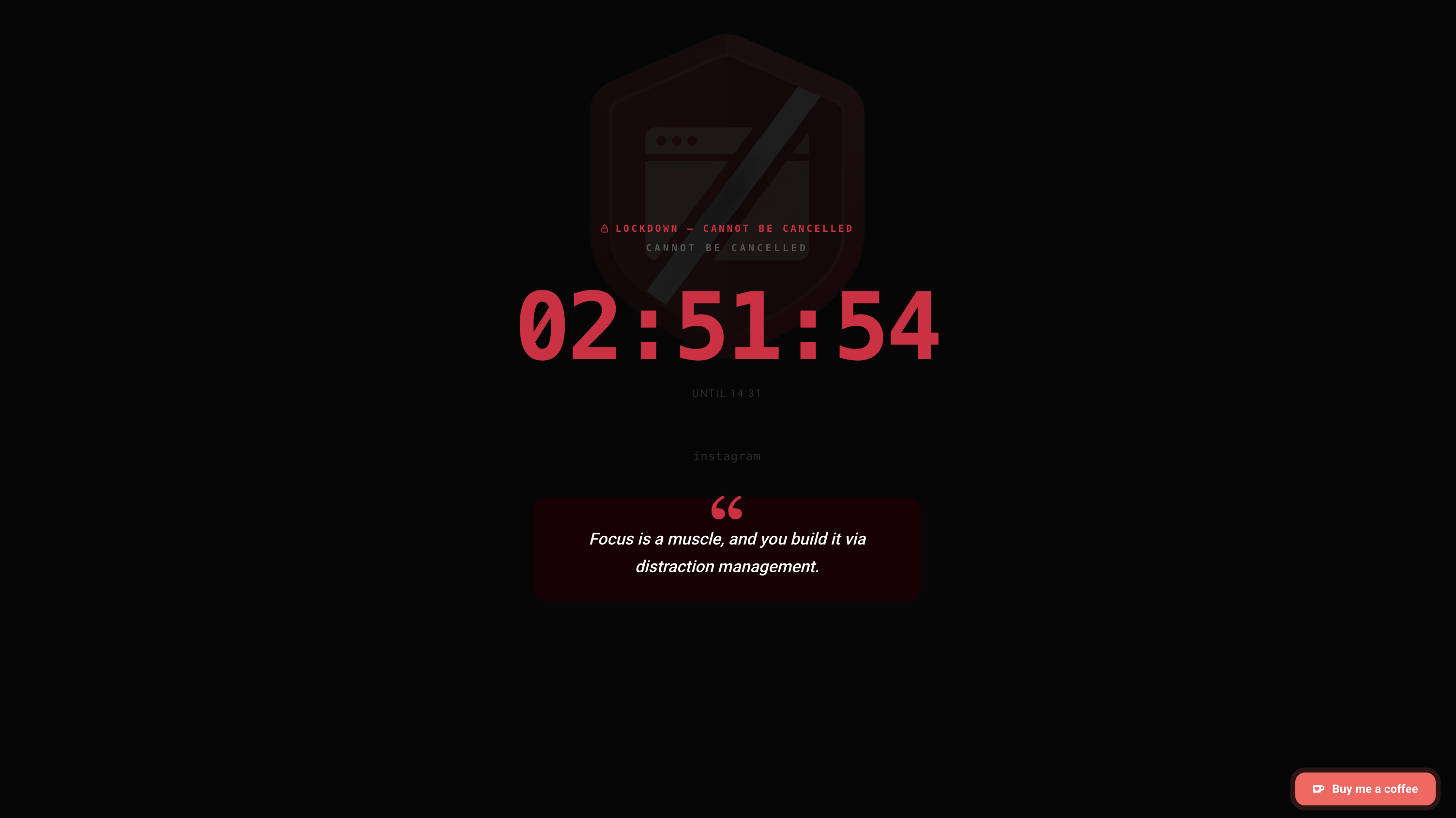
Focus Keeper home screen Quick controls popup Lockdown mode screen Block page Lockdown block page

Feature 01

Nuclear option.
For when you really mean it.

Activate Lockdown Mode and Chrome becomes a productivity tool, not a distraction machine. Every site is blocked — except the ones on your whitelist. No bypass. No snooze button. No "just five more minutes." When your session ends, access returns automatically.

  1. 1. Open — click Lockdown in the extension
  2. 2. Set your session duration
  3. 3. Chrome shows only your work sites

Feature 02

Your distractions have a schedule.
So should your blocks.

Add the sites you know will derail you, then tell Focus Keeper when to block them. It runs silently in the background — no daily reminder to turn it on, no willpower required. Monday at 9am, the block starts. Friday at 6pm, it lifts.

No subscriptions.
No upsells.

Your data never leaves your device.

Read the full Privacy Policy →